
Best Manufactured Home Customization on a Budget
Table of Contents
- How to Compare Manufactured Home Customization Options
- Quick Comparison: Customization and Budget by Builder
- 1. Patriot Homes
- 2. Champion Homes
- 3. TRU Homes
- 4. Home Nation
- 5. Impresa Modular
- Manufactured Home Floor Plans: What You Can Change
- Frequently Asked Questions
Last Updated: October 6, 2026
How to Compare Manufactured Home Customization Options
Manufactured home customization is the process of adjusting a factory-built home’s floor plan, finishes, and features before delivery and installation. For buyers asking which manufactured home companies offer the most customization options without breaking the budget, the short answer is: brands that let you customize at the model level, not just the color level, give you the most room. At Patriot Homes, we walk buyers through that process every day.
The trick is knowing what “customization” means at each company. Some builders let you swap cabinet colors; others let you move walls, add a garage, or redesign the kitchen. Those are very different products at very different price points.
Below, we break down five builders worth comparing, what each one lets you change, and how to keep the total bill inside your budget.
The most budget-friendly customization is layout customization. Changing where a wall sits costs far less than upgrading every finish in the house, and it changes how the home lives every single day.
Quick Comparison: Customization and Budget by Builder
Most manufactured-home roundups list builders without telling you what each one actually lets you change or how that maps to your budget. The table below separates three things buyers routinely confuse: what is standard, what is a paid upgrade, and what is structurally off-limits. Treat the “Customization ceiling” column as the honest limit before you start paying full-custom prices.
| Builder | Customization ceiling | Standard inclusions to confirm | Typical paid upgrades | Budget mechanics to ask about |
|---|---|---|---|---|
| Patriot Homes | Bedroom and bathroom count, interior layout and room placement, finish selections, model selection across floor plans | Confirm the standard inclusions list per model before pricing upgrades | Finish swaps, fixture and surface selections, layout changes made before construction | Ask for itemized upgrade pricing and a base-to-base comparison |
| Champion Homes | Options within defined model families; energy-efficient design packages | Confirm which energy features are standard vs. optional per model family | Energy-efficiency packages, finish and fixture selections within the model family | Option pricing is not published, so request a written quote with line items |
| TRU Homes | Budget-positioned homes with a narrower option menu | Confirm what is included in the base price, since budget positioning usually means fewer levers | Limited finish and fixture upgrades | Ask what each upgrade costs individually, not as a bundled package |
| Home Nation | Single-wide through multisection modular designs | Confirm whether the specific model is modular or manufactured, since codes and financing differ | Size and design selections within the modular catalog | Factory-direct pricing is described, but confirm what coordination you take on |
| Impresa Modular | Customization beyond standard floor plans | Confirm whether the specific build is manufactured or modular | Full design flexibility, which tends to cost more | Pricing is not published; request a design-specific quote |
How to read this table without getting misled
Three distinctions do most of the work here:
- Standard vs. optional. A feature listed in a brochure may be standard on one model and a paid upgrade on another. Always ask for the standard inclusions list for the specific model you are pricing.
- Option menu vs. structural change. Swapping a cabinet finish is an option-menu decision. Moving a wall or adding a bedroom is a structural decision. The first is priced per item; the second is priced per plan revision and is far cheaper before construction starts.
- Manufactured vs. modular. These are built to different codes and financed differently in many cases. If a builder’s catalog mixes both, confirm which category your model falls into before you compare prices.
A builder with a short option menu and transparent itemized pricing is often cheaper in total than a builder with a long menu and bundled upgrade packages. Compare base-to-base first, then compare upgrades line by line.
The budget question the table cannot answer for you
No published table can tell you your total installed cost, because delivery, foundation, utility hookups, permits, and installation vary by site. The table tells you who lets you change what; your quote tells you what that costs where you are building. Use the table to build a shortlist, then use the pricing checklist later to compare total installed cost rather than base price.
1. Patriot Homes
Patriot Homes is a premier dealer of brand-new, customizable manufactured homes, designed to fit your unique lifestyle and budget. We are a dealer of brand-new, customizable manufactured homes, and our model gives you control over the parts that matter most: bedrooms and bathrooms, layout, and the finishes you see and touch every day.
Most buyers do not realize how much of a home’s cost sits in decisions made before construction starts. Changing a floor plan on paper is inexpensive; changing it after the frame is built is not.
Here is what you can adjust with us:
- Number of bedrooms and bathrooms
- Interior layout and room placement
- Finish selections, including cabinetry and surfaces
- Model selection across many floor plans
Our team is available around the clock to walk you through the process.
Ask for the standard inclusions list before you look at any upgrade pricing. Builders that hide standard features inside upgrade packages make their base price look lower than it is. Compare base-to-base, then compare upgrades.
Pros: Layout and finish control, competitive pricing, 24/7 guidance, wide model range.
Cons: Availability and specific model options vary by location, so confirm what is stocked near you.
2. Champion Homes
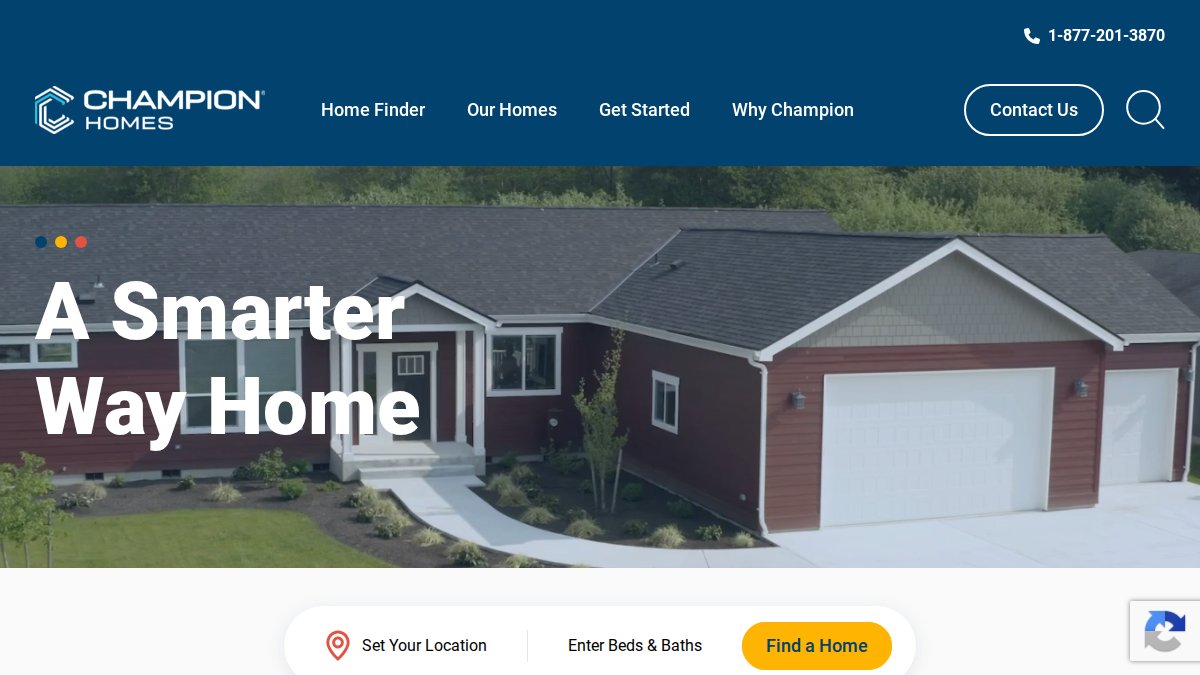
Champion Homes is one of the larger manufactured home companies, and its designs are described as both customizable and energy-efficient. That matters if you are retiring or downsizing, because utility costs become a bigger share of your monthly budget once the mortgage is smaller.
The customization is real but structured. Champion generally works within defined model families, so you choose among options rather than starting from a blank sheet. That is not a downside for most buyers, it is faster and usually cheaper than full custom design.
If your priority is a low-maintenance home with predictable monthly costs, energy-efficient construction is worth more than a fancy countertop.
Pros: Customizable options, energy-efficient designs, large model catalog.
Cons: Option pricing is not published, so you will need to request a quote for specifics.
3. TRU Homes
TRU Homes is specifically characterized as budget-friendly.
If price is your primary constraint, TRU is worth a look. The tradeoff is that budget positioning usually means a narrower customization menu: a well-priced home with fewer levers to pull. For buyers who care more about getting into homeownership than picking their own kitchen layout, that is a reasonable trade.
Ask two questions before you commit: what is included in the base price, and what does each upgrade cost individually. Those two answers tell you more than any brochure.
Pros: Explicitly positioned as budget-friendly.
Cons: Published details on customization and pricing are limited, so verify directly.
4. Home Nation
Home Nation offers customizable modular homes ranging from single-wide to multisection designs, with pricing described as factory-direct.
One distinction worth understanding: modular and manufactured homes are built to different codes and financed differently in many cases. If you compare Home Nation against a manufactured home builder, confirm which category the specific model falls into before comparing prices.
Factory-direct pricing can reduce cost by cutting out layers of markup, but it also means you take on more coordination. Know what you are signing up for.
Pros: Wide size range, factory-direct pricing approach.
Cons: Modular rather than specifically manufactured homes; no published prices.
5. Impresa Modular
Impresa Modular is described as a leader in customization for buyers who do not want to be limited to standard floor plans.
The catch is that full design flexibility tends to cost more, and the supplied information does not establish that Impresa builds manufactured homes specifically. Treat it as a comparison point for buyers weighing modular against manufactured, not as a direct substitute.
Pros: Customization is its central strength.
Cons: Pricing and manufactured-home classification are not verified.
Manufactured Home Floor Plans: What You Can Change
Manufactured home floor plans are the starting point for nearly every customization decision, and most builders let you change more than buyers expect.
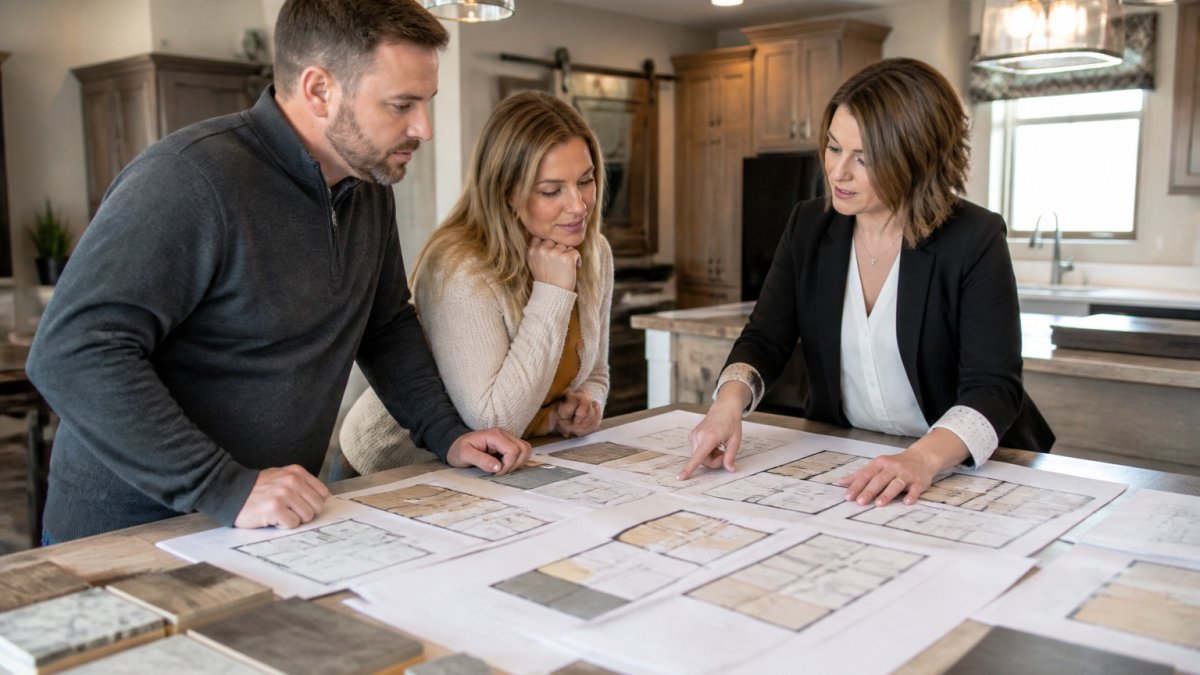
The single most useful rule here is the sequence rule: the earlier a decision happens in the build process, the cheaper it is to make. Finish choices happen last and are cheapest to change; structural choices happen first and are most expensive. Everything below follows from that.
| Customization | Difficulty | Typical budget impact | Why it costs what it costs |
|---|---|---|---|
| Finish swaps (flooring, cabinets, counters) | Easy | Low to moderate | Priced per item from an option menu; no plan revision required |
| Appliance and fixture upgrades | Easy | Low to moderate | Same as finishes; selected from a catalog at order time |
| Bedroom or bathroom count | Moderate | Moderate | Requires a plan revision and affects plumbing and framing layout |
| Wall and room layout changes | Moderate to hard | Moderate to high | Requires engineering review and rework of framing, electrical, and plumbing runs |
| Garage addition | Hard | High | Structural addition, separate foundation, and site coordination |
| Full custom design | Hard | Highest | New engineering, permitting, and design time before a single panel is built |
How do I prioritize customizations on a limited budget?
Prioritize in this order: layout first, then energy efficiency, then finishes. Here is the reasoning behind each tier.
Tier 2, Energy efficiency (do this at order time if you can). Energy features affect your monthly costs for as long as you own the home, so they pay back over time.
Tier 3, Finishes (the easiest to defer). Flooring, cabinet finishes, and countertops are the most visible upgrades and the least consequential to get slightly wrong.
A practical way to apply this: build your quote in two passes. Pass one includes only Tier 1 and Tier 2 items. Pass two adds Tier 3 finishes.
What is a manufactured home pricing checklist?
A manufactured home pricing checklist is a list of every cost beyond the base home price that you must confirm before signing. It should include:
- Base home price with standard inclusions listed
- Itemized upgrade costs, priced individually
- Delivery and transportation fees
- Site preparation and foundation costs
- Utility hookups (water, power, sewer or septic)
- Permits and inspection fees
- Installation and setup labor
- Any dealer documentation or processing fees
The base price is rarely the total price. Site-related expenses in particular vary enormously by location and are the most common source of budget surprises. For guidance on how these costs are structured, see the U.S. Department of Housing and Urban Development manufactured housing resources.
Never compare two builders using base prices alone. A lower base price with expensive required add-ons can cost more than a higher base price with more included. Always compare total installed cost.
What to confirm before you sign
Three questions separate a quote you can budget from one you cannot:
- Which items on this quote are standard, and which are upgrades? Ask for the standard inclusions list for the specific model.
- What is the itemized price of each upgrade? Bundled upgrade packages hide the cost of individual items and make comparison impossible.
- What is the total installed cost, including delivery, site prep, utilities, permits, and installation? This is the number you actually budget against.
Frequently Asked Questions
Which manufactured home companies offer customizable floor plans?
Several builders offer floor plan customization, including Patriot Homes, Champion Homes, TRU Homes, Home Nation, and Impresa Modular. The degree of flexibility varies: some allow room additions, wall removals, and layout changes, while others limit you to finish selections. Always ask for the standard floor plan and a list of structural changes allowed before you sign.
How can I customize a manufactured home on a budget?
Prioritize upgrades that affect daily life and long-term costs, like insulation, windows, and energy-efficient appliances. Skip cosmetic add-ons that can be added later, such as upgraded light fixtures or trim. Ask your builder for a line-item quote so you can see exactly what each option costs.
Are upgrades included in the advertised price of a manufactured home?
Typically, the advertised base price covers the standard model with basic finishes. Upgrades like hardwood cabinets, upgraded flooring, additional bedrooms, or a garage are usually extra. Always request a written itemized estimate that separates the base home, delivery, site work, and each customization so you can see the true total.
What should I compare when choosing a manufactured home builder?
Compare the range of standard inclusions, the cost of common upgrades, delivery and setup fees, warranty terms, and financing options. Also check customer reviews and regional availability. A builder that offers transparent pricing and a clear customization list will save you from surprise costs later.